01 / Native Android · Developer tools
Terminal Spike.
Your remote workspace, on Android.
My open-source Android terminal for SSH, built-in Mosh, and remote coding. Resume Herdr spaces and agents, navigate with touch, and follow links into code-server or Obsidian. Connection details stay on your device.
- Platform
- Native Android
- Built for
- Herdr, tmux & remote agents
- Privacy
- No analytics or accounts
02 / Obsidian · Remote agents
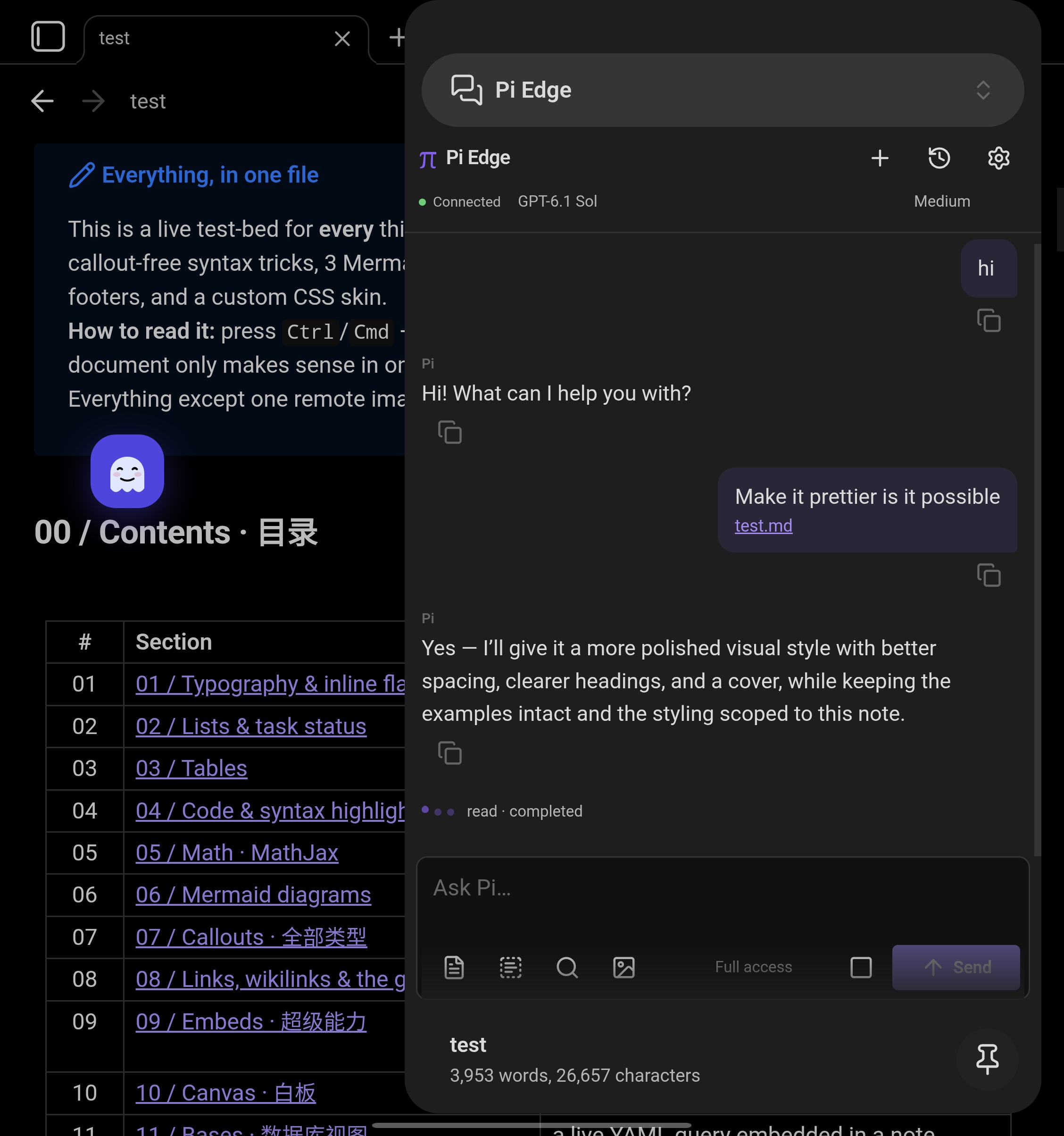
Pi Edge.
Your notes. Your computer. Pi beside them.
An Obsidian plugin I built to chat with Pi on my computer from my phone or desktop. Attach notes and images, switch models, and return to earlier conversations without leaving the vault.
- Client
- Obsidian on mobile & desktop
- Connection
- Paired bridge over LAN or Tailscale
- Context
- Notes, selections & images
Workflow / Connected tools
One workspace.
Pick up the work wherever I am.
Terminal Spike opens my Herdr workspace. code-server gives me a browser editor. Obsidian holds the project context, with Pi Edge for working with Pi beside my notes. Links connect the views; Tailscale connects my devices.
My connected workspace
Terminal Spike Android · SSH / Mosh Herdr Spaces · Terminals · AgentsFollow links into code and notes ↕
Pi Edge Obsidian ↔ Bridge ↔ Pi on my computer03 / AI product · Full stack
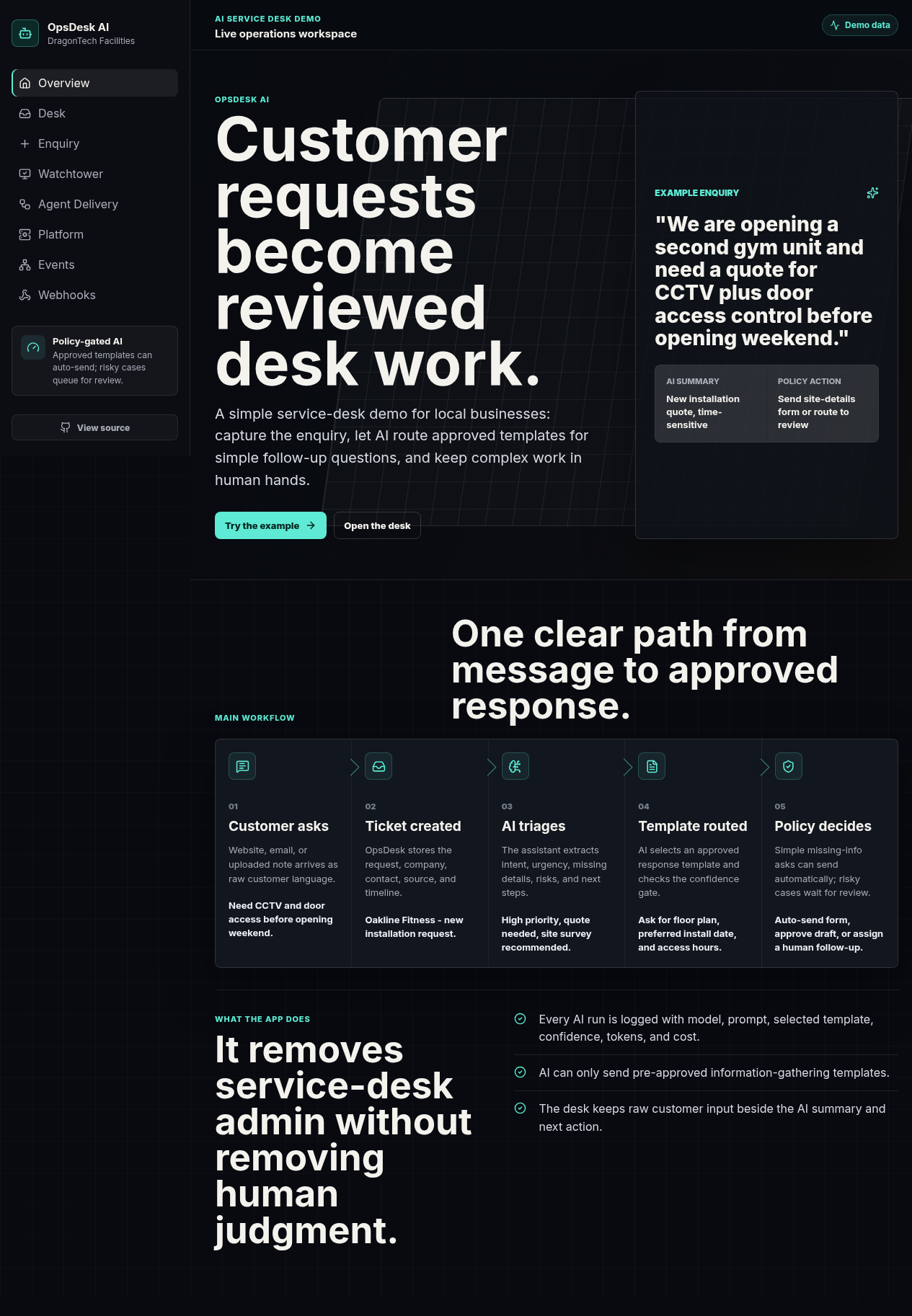
OpsDesk AI.
AI-assisted work. Human judgement.
A policy-gated service desk demo that turns customer enquiries into reviewed operational work. Capture an enquiry, extract intent and risk, route approved templates, and keep complex cases in human hands.
- Automation
- Approved templates & risk checks
- Visibility
- Confidence, tokens & cost
- Workflow
- Triage, review & webhooks
04 / TypeScript · Agent tooling
Ralph Loop.
One plan. One focused run. Repeat.
A small TypeScript CLI for draining a folder of reviewed Markdown implementation plans through Codex. Plain files, fresh context, and auditable runs keep each change focused and reviewable.
$ ralph --plans ~/plans --once
- 01 Pick the next runnable plan ↳
- 02 Start a focused Codex run ↳
- 03 Simplify and review the change ↳
- 04 Archive the completed plan ↳
Reviewed plans → verified changes